
Library
The Library panel holds the player’s decklist. It is the source everything else is dragged out of: into the hand, into an annotation, or onto the card display.
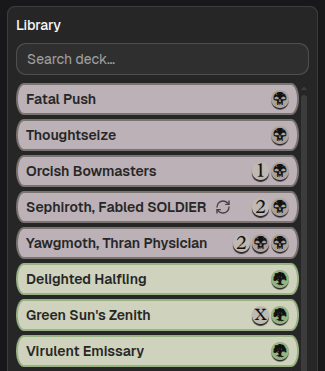
The library is a permanent source. Dragging a card out of it copies the card; the library never empties. Dragging a card onto the library from a hand or annotation removes that card.
Searching
Section titled “Searching”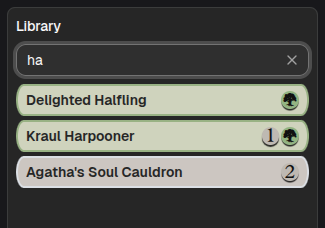
Search deck… filters the list by card name as you type. The X clears the search.
Empty states: “Library empty” when there is no decklist, “No matches” when the search filters everything out.
Importing a decklist
Section titled “Importing a decklist”With no decklist loaded, the panel shows an Import decklist button.
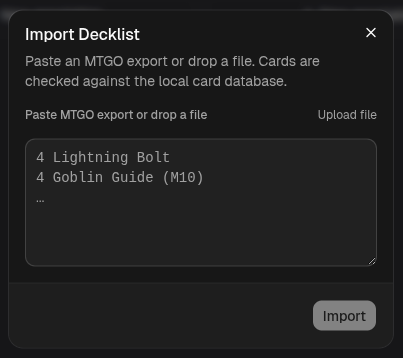
The dialog takes an MTGO export. You can paste the text, drop a .txt,
.dec, or .dek file onto the textarea, or use Upload file.
4 Lightning Bolt4 Goblin Guide (M10)The set code in parentheses is optional, and picks the printing.
Validation
Section titled “Validation”Cards are checked against the local card database on import. Anything that does not resolve is listed under “Cards not found:” and the import is blocked until you fix it, so a typo cannot silently produce a half-empty library.
The database has to finish loading before importing is possible. Until it does, the dialog says “Card database still loading…” and the button stays disabled.
What you get
Section titled “What you get”The imported list is sorted for you (by color, then mana value, spells before lands) and deduplicated by name. The library is a list of distinct cards, not one row per copy, because you pull cards out of it as many times as you need.