
Broadcasting to OBS
Live Mode renders to a standalone overlay page at /overlay: a transparent
1920x1080 canvas. The controller (the app window where you drive the match) and
the overlay page talk to each other over a WebSocket through a small local
relay, so they can run in separate windows.
1. Run the relay
Section titled “1. Run the relay”The relay is a single Python file with no dependencies beyond the standard
library. Download spellsplice-relay.py from the Connection section (the
“clicking here” link in the yellow notice), then run it:
python3 spellsplice-relay.py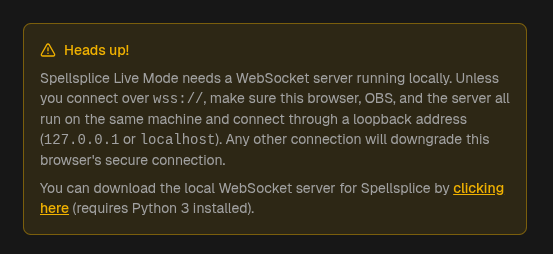
It prints the URL to use:
Spellsplice relay listening on ws://localhost:8765Pass a port as an argument if 8765 is taken:
python3 spellsplice-relay.py 9000Leave this terminal open for the whole broadcast. Closing it drops the connection between the controller and the overlay.
2. Connect the controller
Section titled “2. Connect the controller”Open the Connection section and put the relay’s URL in WebSocket URL:
ws://localhost:8765
Test Connection checks the relay without leaving the dialog. A green “Connected Successfully!” means the relay is up and reachable; “Connection failed” means it is not running, the port is wrong, or the address is being blocked.

Start runs the same check, saves the URL, and drops you into the controller.
3. Add the overlay to OBS
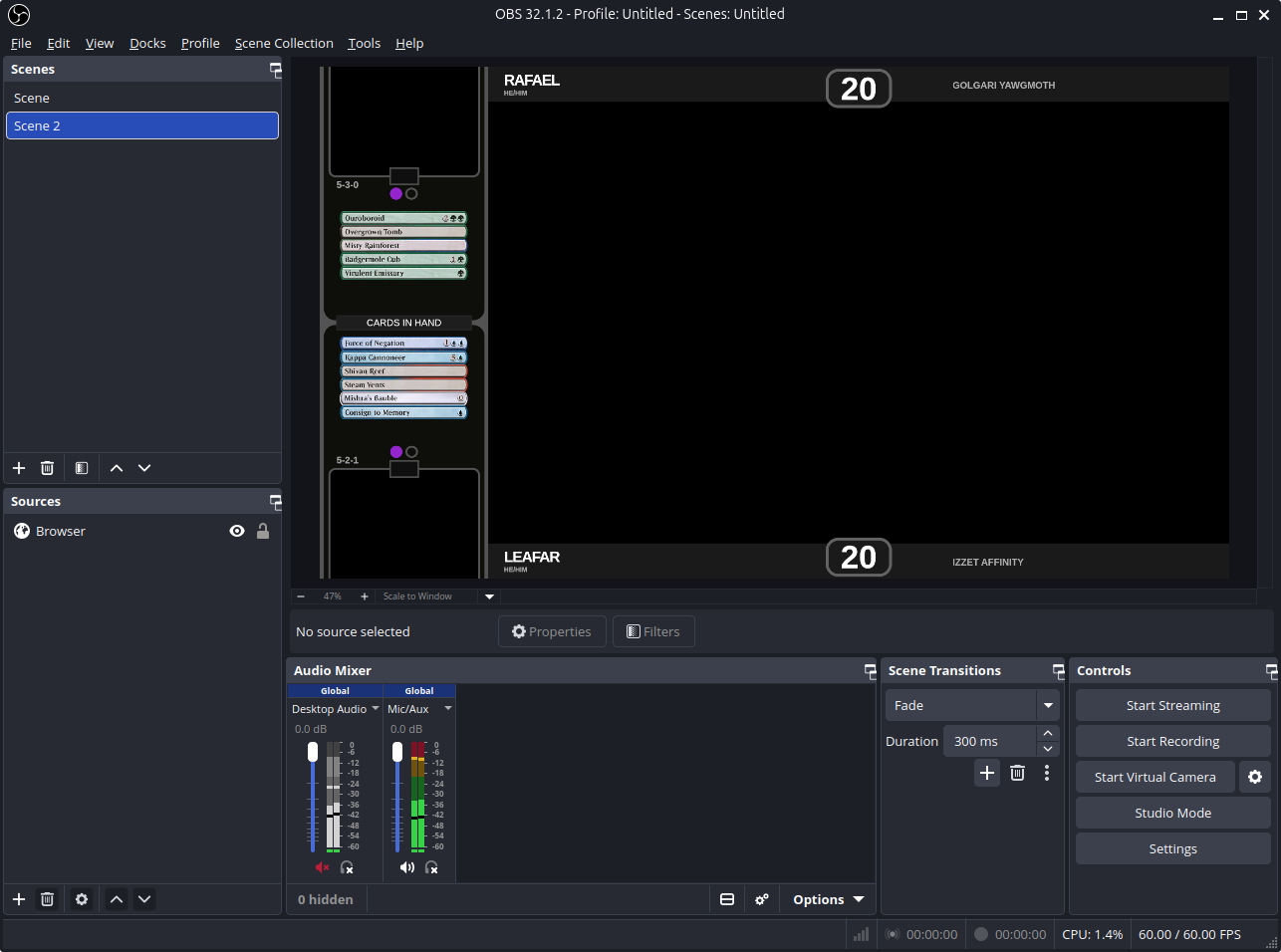
Section titled “3. Add the overlay to OBS”Once the URL is valid, the Connection section shows the full overlay URL under “Paste this into OBS’s Browser Source URL field:”, with a copy button.
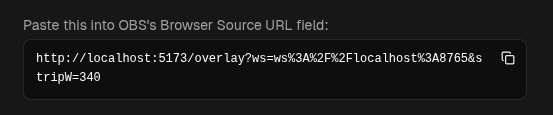
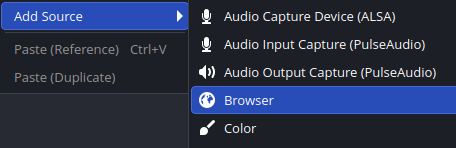
In OBS, add a Browser Source to your scene and paste it in. Set the size to 1920 x 1080.
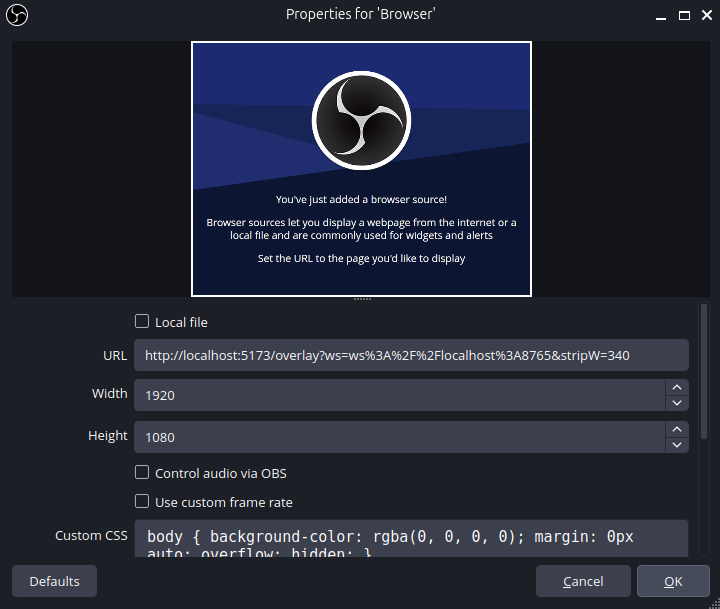
The overlay page background is transparent, so it composites straight onto your scene: no chroma key and no cropping. Order the source above your capture in the scene list.
How updates reach the overlay
Section titled “How updates reach the overlay”OBS runs its Browser Source in an isolated profile, so the overlay keeps its own copy of the configuration. When you change life totals, wins, hands, or displayed cards in the controller, those updates are pushed to the overlay live over the socket.